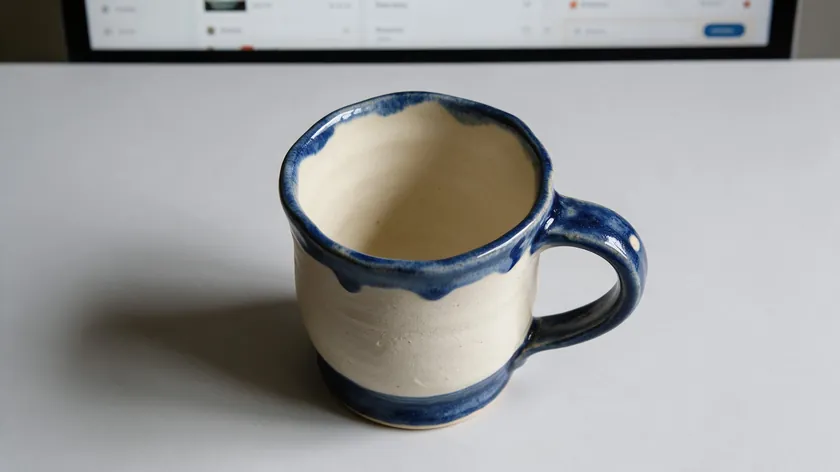
So what size are Etsy listing photos? Etsy recommends at least 2000 pixels in width and height, and the first photo should be at least 635 × 635 px. That is the short answer, but size is only part of why photos end up looking cropped, blurry, or stuck on a black box.
Etsy crops thumbnails to square, portrait, and landscape shapes, and it does not support transparent PNGs—transparent areas show as black. A centered product on a solid background avoids both problems.
This guide gives you the numbers Etsy publishes, explains how thumbnail cropping works, and walks through preparing each Etsy photo so it uploads cleanly and looks right everywhere.
Table of Contents
If you need the numbers in under a minute, here they are. Etsy recommends listing images be at least 2000 pixels on the shortest side, whether square or horizontal. The primary listing photo should be at least 635 pixels in width and height or it may appear lower in Etsy search results.
Supported file formats for listing photos: .jpg, .gif, .png, .svg, and .heic. Animated GIFs and transparent PNGs are not supported. Images should be saved in the sRGB color profile for accurate color display across different devices, and files over about 1 MB may fail to upload on a slower internet connection.
These numbers come directly from Etsy’s official Requirements and Best Practices for Images in Your Etsy Shop page.
Etsy Listing Photo Size Table: Exactly What Etsy Says and What to Do
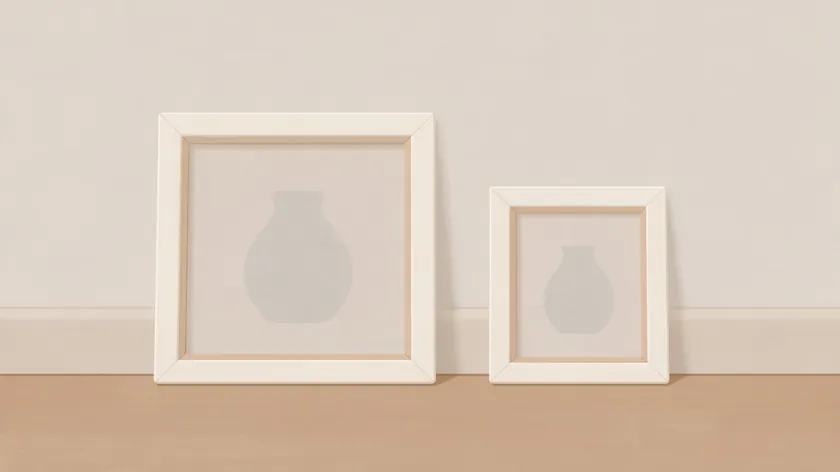
This table puts Etsy’s listing image guidance into one place so you can check each requirement before uploading.
| Item | What Etsy says | What to do |
|---|
| Listing photos (all images) | At least 2000 px in width and height | Shoot or export at 2000 px minimum on both sides. Use an image editor to resize if needed. |
| First listing photo | At least 635 × 635 px; horizontal or square with the focal point centered; later photos should match that shape | Upload at least 2000 × 2000 px. Center the product and keep the same shape for every image in the listing. |
| File types for listing photos | .jpg, .gif, .png, .svg, .heic accepted | Use JPG or PNG with a solid background. Animated GIFs and transparent PNGs are not supported. |
| Color profile | Convert to sRGB | Set your export to sRGB in your editor before uploading so colors look consistent across devices. |
Keep this table open when preparing every new Etsy listing photo—it helps you avoid size and upload surprises.
How Etsy Thumbnails Work: Squares, Portrait, Landscape, and Safe Cropping
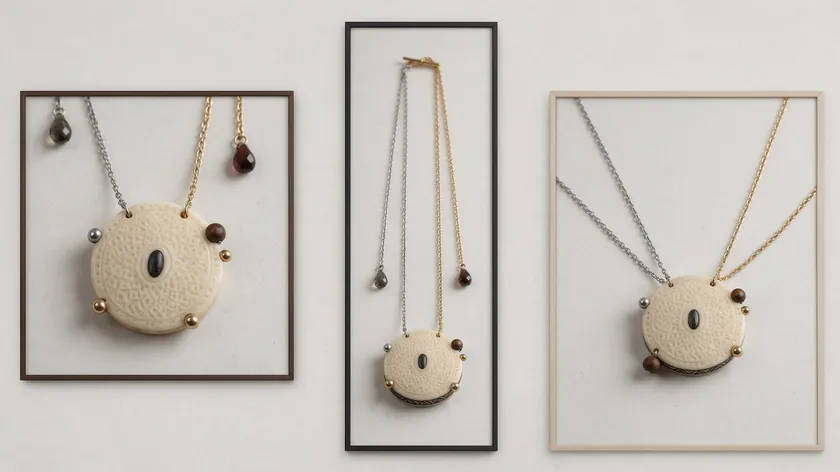
When you upload a listing image, Etsy displays it in thumbnails that are cropped to square, portrait, and landscape shapes. The same source photo can appear in all three, so your product needs enough border to survive each crop.
Why Etsy Crops Listing Thumbnails
Etsy needs to fit your original picture into thumbnail frames that may be square, portrait, or landscape. Etsy advises leaving enough border around the product so it can be cropped to all three, which means any part of the product placed near the edge of the photo can be cut off.
How to Keep Your Product Safe in Every Thumbnail
Etsy says the first listing photo should be horizontal or square with the focal point in the center, and that all later listing images should match that shape. Its help page also advises avoiding square crops and uploading horizontal or landscape images, so horizontal is the safest choice.
Keep the main product centered and leave visible negative space around it on all sides. Avoid placing important details near the edges of photos. After adding images to a listing, use Etsy’s listing thumbnail adjustment tool to check how each image looks in every thumbnail orientation before rolling it out to all your Etsy listings.
Clean, Simple Backgrounds for Etsy Listing Photos
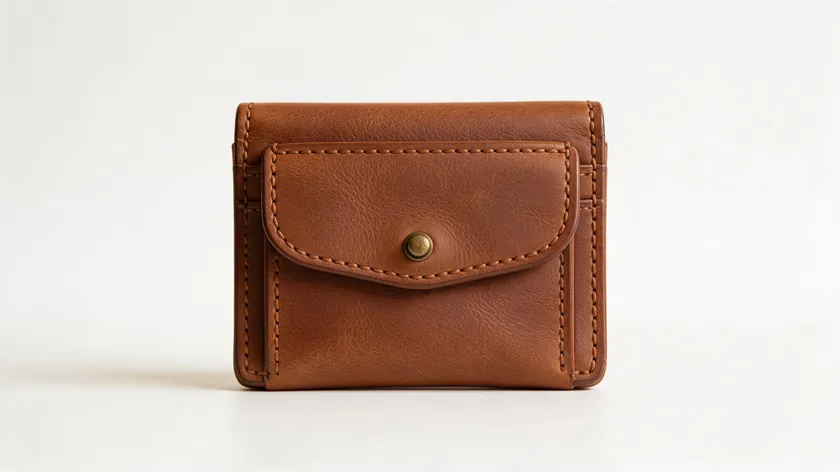
Etsy does not require a pure white background, but it does recommend leaving extra negative space around the product. A clear background helps the product stand out and keeps thumbnails consistent. For the primary photo, a simple, neutral background is a safe choice.
Lifestyle or context shots are perfect for later listing photos, while the first Etsy photo generally works best as a clean, straight-on view. An even background also makes it easier to keep the subject centered and safe from harsh thumbnail crops.
For a deeper comparison of lifestyle versus simple backdrops across marketplaces, see this guide on white background for selling items.
How to Prepare a Listing Photo with RemoveBackground.app (Step-by-Step)
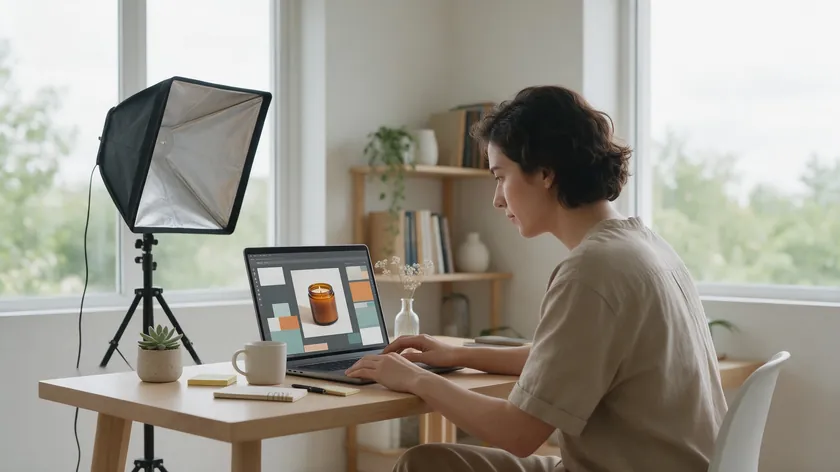
Here is a quick walkthrough to get one clean, upload-ready listing image in a few minutes. This covers the background-cleanup workflow—you will handle final sizing in your own image editor.
Step 1: Upload Your Product Photo
Go to RemoveBackground.app, upload your product photo, and wait for the background to be removed automatically. Start with a high quality photo shot in natural light for accurate colors and minimal shadows—the better the source, the cleaner the cutout.
Step 2: Choose a Solid Background Color
In the Background tab, choose “Color” and pick a white or light neutral solid color. Do not leave the background transparent, because Etsy will render transparent areas as solid black.
Step 3: Clean Up the Edges
Use the Actions tab (Erase, Restore, Brush size) to perform fine tuning adjustments. Restore fine details like jewelry chains, or erase stray props and distractions at the edges. These fine tuning adjustments make the final image look polished.
Step 4: Check the Centering
In the preview, check that the product is centered with visible space on every side. This matters because Etsy crops thumbnails to several shapes—if your product touches the edge, a thumbnail can cut it off.
Step 5: Download and Resize
Click Download and save as a high-quality JPG or PNG format with a solid background. Then open the file in your preferred editor if you need to resize images to at least 2000 × 2000 px. Aim for at least 2000 pixels on both sides, as Etsy recommends.
Step 6: Check Color Profile and File Size
Before uploading, confirm the exported image uses the sRGB color mode (most editors show this in export settings). Keep your images under 1 MB for faster loading on Etsy—images larger than 1 MB may fail to upload on a slower internet connection. Compress the file size while keeping the image dimensions the same.
RemoveBackground.app speeds up the background-cleanup part, while size and crop are still set in your own image editor or through Etsy’s tools.
Transparent PNG Warning: Why Etsy Shows Black Boxes Instead of Clean Cutouts
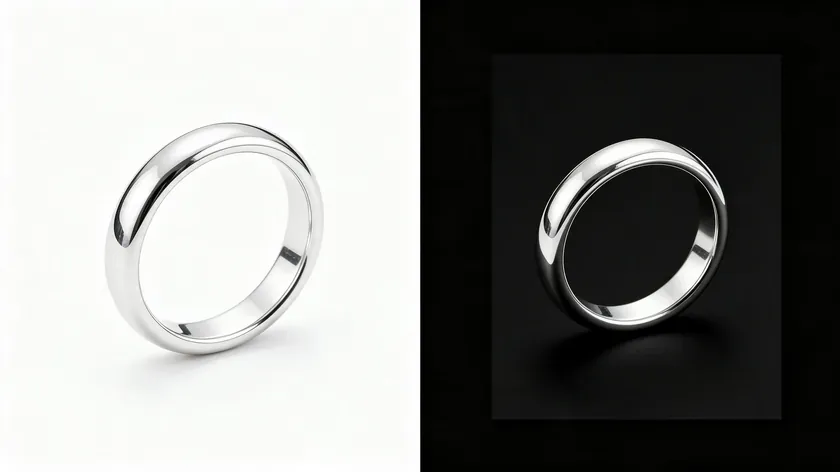
If your product suddenly appears on a black box on Etsy, this is why. This is a common image mistake when uploading PNG files.
Why Etsy Shows Black Boxes
Etsy does not support transparent PNGs for listing photos. Transparent areas display as solid black in the listing image. This affects sellers who remove backgrounds in any tool and then export as a transparent PNG expecting Etsy to keep that transparency. The result is a product sitting on a black background in your listing.
How to Export Without Transparency
After you remove the background in RemoveBackground.app, always choose a solid background color (white or light neutral) in the Background tab before downloading. Export in JPG or a PNG that already has the solid color baked in—never a transparent PNG.
If you need to understand transparent formats in general, see how to save an image with a transparent background—but remember that Etsy is an exception where you should not upload transparency.
Other Etsy Image Sizes: Shop Logo, Profile Photo and Banners (Etsy Shop Banner Size)
Besides listing photos, Etsy recommends specific Etsy sizes for shop icons, profile images, and banners.
| Image | Size Etsy recommends | Note |
|---|
| Shop logo | 500 × 500 px recommended | Square shop icon that appears next to your shop name. |
| Profile photo | 400 × 400 px recommended | Square profile image for the shop owner or brand. |
| Big shop banner | Min 1200 × 300 px; recommended 1600 × 400 px | Large banner at the top of your Etsy shop. |
| Mini shop banner | Min 1200 × 160 px; recommended 1600 × 213 px | Compact header alternative to the big banner. |
| Order receipt banner | Min 760 × 100 px | Appears on customer receipts after purchase. |
Create these assets at or above Etsy’s suggested pixel sizes so they display clearly. Anything smaller can look soft or pixelated on larger screens.
Consistent Sizing and Style Across Your Listing Images
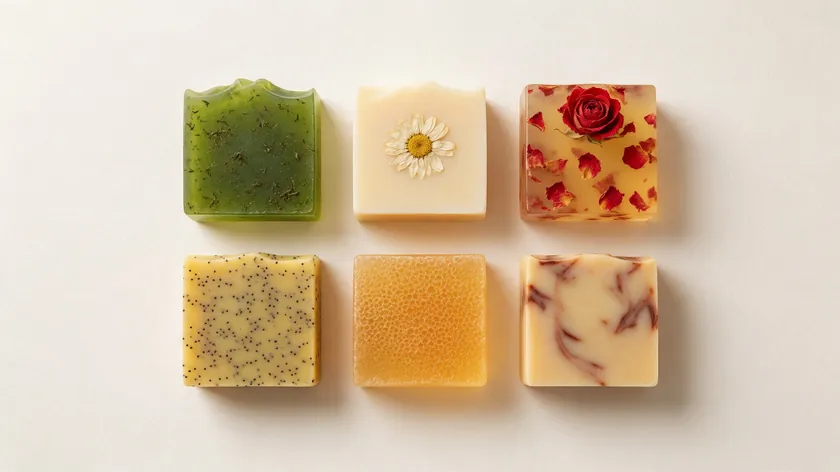
Mismatched shapes, crops, or background colors in one listing look unfinished. Etsy advises matching the shape of the first photo for a more cohesive browsing experience. Use the same aspect ratio (all square images or all horizontal) for every listing photo within a single product listing.
Keep one “background family”—for example, all clean white or all the same light beige—for the whole set so they feel like one series. For a deeper look at batch-editing multiple images to a unified style, see how to edit product photos for ecommerce.
Removing Tricky Backgrounds in Depth
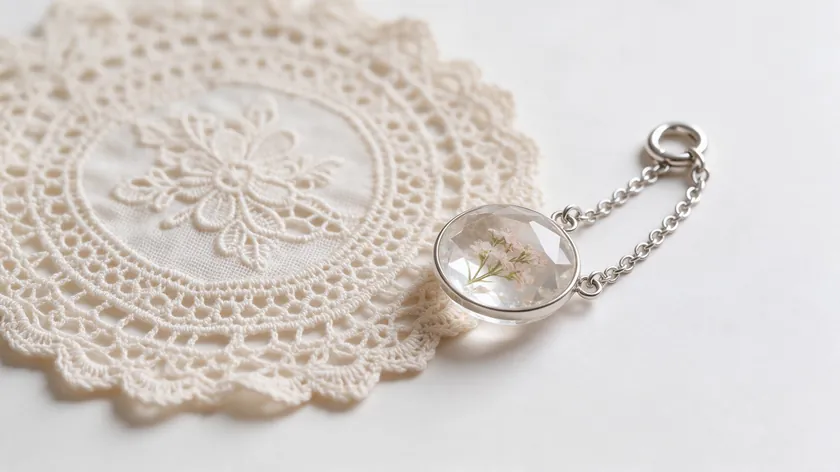
Some products—like glass, jewelry, fabric, or white-on-white items—are harder to cut out cleanly for an Etsy listing photo. RemoveBackground.app handles everyday product cutouts, but tricky materials may need closer edge checking and touch-up with the Erase and Restore brushes.
Zoom in on key edges (chains, lace, clear packaging) inside the editor to make sure no halos, missed areas, or jagged edges remain in the enlarged image before downloading. For detailed guidance on these special cases, see remove background product photography.
Common Etsy Photo Mistakes and Quick Fixes
Most Etsy listing photo problems come from a few repeatable mistakes. The two tables below cover them: one organized by cause and one by what the seller actually sees.
Common Etsy Photo Mistakes That Break Size, Crop, or Color Rules
Most “my Etsy listing photo looks wrong” problems trace back to these issues. Check each row below against your own export before you upload.
| Mistake | What happens | Fix |
|---|
| Uploading under Etsy’s recommended 2000 px | The photo may look soft or pixelated, especially when shoppers zoom in | Reshoot or export at 2000 px or larger on the shortest side |
| Subject too close to the edge | Thumbnails can cut off the product | Add extra negative space and center your product |
| Uploading a transparent PNG | Product appears on a solid black box | Export on a solid background as JPG or non-transparent PNG |
| Mixed shapes across photos | Browsing feels less cohesive when shapes differ from the first photo | Match the shape of the first photo across the listing |
| Oversized file on slow connection | Upload stalls or fails entirely | Compress file size to under about 1 MB while keeping pixel dimensions the same |
| Wrong color profile (not sRGB) | Colors look washed out or shifted on Etsy | Convert export settings to sRGB color mode before upload |
Run through this table whenever a listing image behaves strangely on Etsy. Working top to bottom usually finds the cause in a minute or two.
Photo Problems on Etsy: Quick Diagnosis and Fixes
If something looks off and you are not sure why, find your symptom below. Each row pairs the symptom with its most likely cause and a quick fix.
| Photo problem | Likely cause | Quick fix |
|---|
| My photo keeps getting cropped in search results | Subject too close to the edge | Use a horizontal or square image and leave more margin |
| My listing images look blurry when shoppers zoom | Exported under 2000 px | Export or reshoot at Etsy’s recommended size |
| My product colors look washed out on Etsy | Non-sRGB color profile | Convert image files to sRGB before saving and uploading |
| My photo won’t upload or keeps timing out | Large file over ~1 MB on slower internet connection | Compress the image while keeping pixel dimensions the same |
| My product shows on a black background when I upload | Transparent PNG not supported by Etsy | Re-export with a solid background color instead of transparency |
Bookmark this table for the next time a new listing image behaves differently from what you expected.
Getting the Shot: Source Images Before You Upload
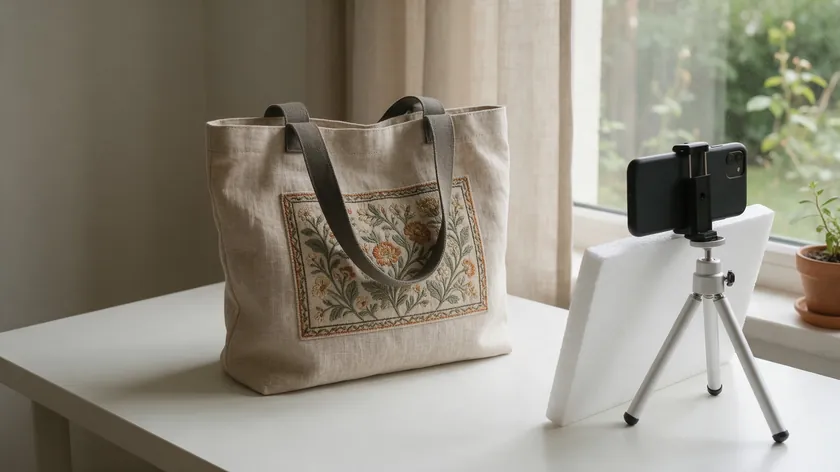
Even perfect sizing cannot fix dark, blurry, or confusing product photos. A well-lit photo taken in natural light with clear angles will resize better for Etsy than a low-quality original. For a complete walkthrough on planning and shooting great listing images, see this ecommerce product photography guide.
Wrap-Up: Etsy Listing Photo Size
Correct Etsy listing image size, centered composition, solid backgrounds, and proper export settings work together to make every product image look sharp and consistent across your Etsy shop. Etsy recommends at least 2000 px on both sides for listing photos, with the first image at least 635 × 635 px and oriented horizontally or in square format.
Do not upload transparent PNGs, and keep file size optimized so uploads do not stall. Use RemoveBackground.app for fast background cleanup, then apply the tables in this guide before publishing new Etsy listings.
Key Takeaways
- Etsy recommends listing images be at least 2000 × 2000 px, with the first photo at least 635 × 635 px and horizontal or square.
- Center your product and leave margin on every side so Etsy’s square, portrait, and landscape thumbnails are less likely to cut off important details.
- Stick to supported formats (.jpg, .gif, .png, .svg, .heic), convert to sRGB, and keep files around or under 1 MB for smoother uploads.
- Never upload transparent PNGs—Etsy shows transparent areas as black—export on a solid background instead.
- Use RemoveBackground.app to clean backgrounds quickly, then resize images in your editor to match the specs and tables from this guide.
Ready to clean up your next batch of Etsy listing images? Open RemoveBackground.app in a new tab while your Etsy shop dashboard is open. With one upload you can remove distractions, drop the product onto a solid background color, and export ready to resize for Etsy’s recommended image dimensions.
FAQ
What size should my Etsy listing photos be?
Etsy recommends at least 2000 pixels in width and height for listing photos. The very first image should be at least 635 × 635 px—anything smaller may rank lower in search. Square or horizontal images work best because they match Etsy’s thumbnail cropping behavior and keep the product fully visible.
Etsy does not specify a resolution in ppi, so pixel dimensions and a clean export in sRGB matter most for Etsy display.
Why does Etsy crop my photo in search results?
Etsy generates different thumbnail shapes from your original listing photo and will crop edges to fit search results and category grids. Etsy crops thumbnails to square, portrait, and landscape shapes, so subjects placed too close to the edge are the most likely to be cut off.
Switch to square or horizontal images, center the product, and leave extra negative space so every thumbnail variation looks good.
Can I upload a transparent PNG to Etsy?
Etsy accepts PNG files but does not support transparency. Any transparent area displays as solid black in the listing photo. Always place the product on a solid background color before exporting, and use JPG or a non-transparent PNG instead.
Tools like RemoveBackground.app make it easy to remove the old background, then add a new white or light neutral one before download.
Do I need a white background on Etsy?
Etsy does not require a pure white background, but does recommend clear, uncluttered listing images with space around the product. Using white or light neutrals for the main Etsy listing photo keeps it consistent across thumbnails. Lifestyle shots with context and props are better reserved for secondary listing images rather than the primary thumbnail view.
How do I make all my Etsy photos match?
Consistency comes from choosing one aspect ratio (all square or all horizontal), one background family, and similar framing across the whole listing. Edit one “ideal” image first, then copy its crop and background settings to the rest of the listing images in your editor.
For a deeper look at editing multiple images to a unified style, see how to edit product photos for ecommerce.